
RISE 4-Week AI Accelerator for Lighting Designers.
A 4-week, live, hands-on program that helps Lighting Designers reclaim hours every week by speeding up renders, schedules, project documentation & more, while keeping control of design intent.
Includes 2 guest expert sessions with Daniel Green (INTO Lighting).
Online + Recordings | 2 hrs/week
Scheduled for May 2026!
"Are you a Lighting Designer wondering:
Did I become a lighting designer for this repetitive work?
How do I protect time for creative and strategic thinking?
How do I modernise workflows without losing control of quality?

RISE 4-Week AI Accelerator for Lighting Designers.
A 4-week, live, hands-on program that helps Lighting Designers reclaim hours every week by speeding up renders, schedules, project documentation & more, while keeping control of design intent.
Includes 2 guest expert sessions with Daniel Green (INTO Lighting) + complimentary access to his DUSK AI Render tool.
Online + Recordings | 2 hrs/week
Starts Thu 5th February, 4 weeks
Are you a Lighting Designer wondering:
Did I become a lighting designer for this repetitive work?
How do I protect time for creative and strategic thinking?
How do I modernise workflows without losing control of quality?
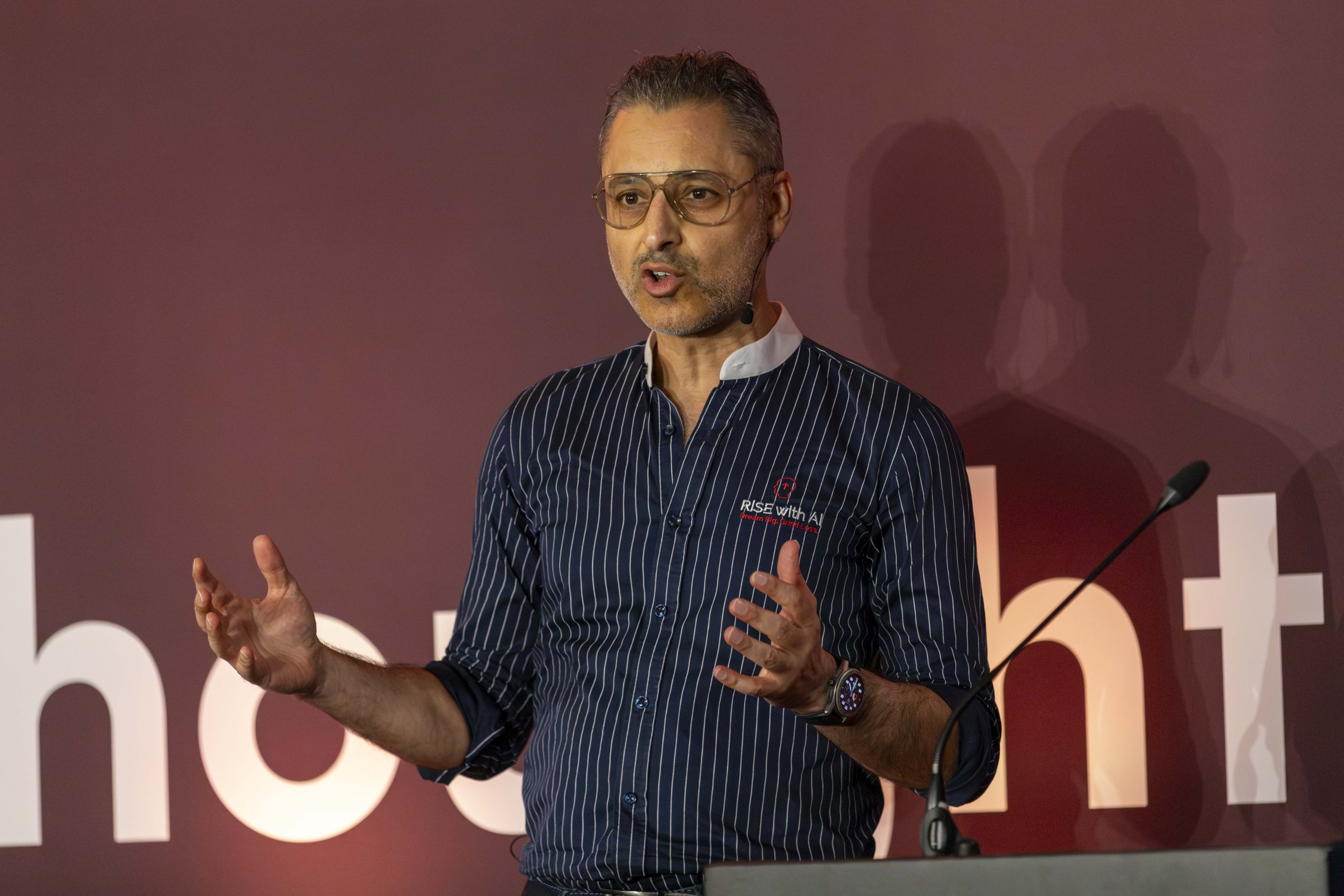
“That Was Me 2 years back…”
I used to lose hours every week to context switching and repetitive work.
Then I discovered no-code AI, and everything changed. The busywork got lighter, and my focus shifted to higher-value work.
I built this AI Productivity Accelerator for Lighting Designers to help you do the same in 4 weeks: move faster on renders, schedules, specs, tender reviews, and documentation, while keeping design intent fully in your control.
Kuldeep Vali
Founder, RISE with AI
AI Coach I Trainer I Consultant
Guest Speaker: Daniel Green (INTO Lighting) & DUSK AI

We’ve invited Daniel Green (INTO Lighting) to deliver two live guest sessions (1 hour each, week 1 & 2) focused on practical, design-led AI for lighting visuals and standards.
We’re also collaborating with Daniel’s DUSK AI, a lighting render tool in beta built specifically for lighting designers. DUSK offers better control using a lasso tool, so you can place lighting layers exactly where you need them. In Week 1 & 2, this cohort will receive a priority access to create in DUSK AI.
Cohort Facilitator: Johanna Stuckler (Jo)
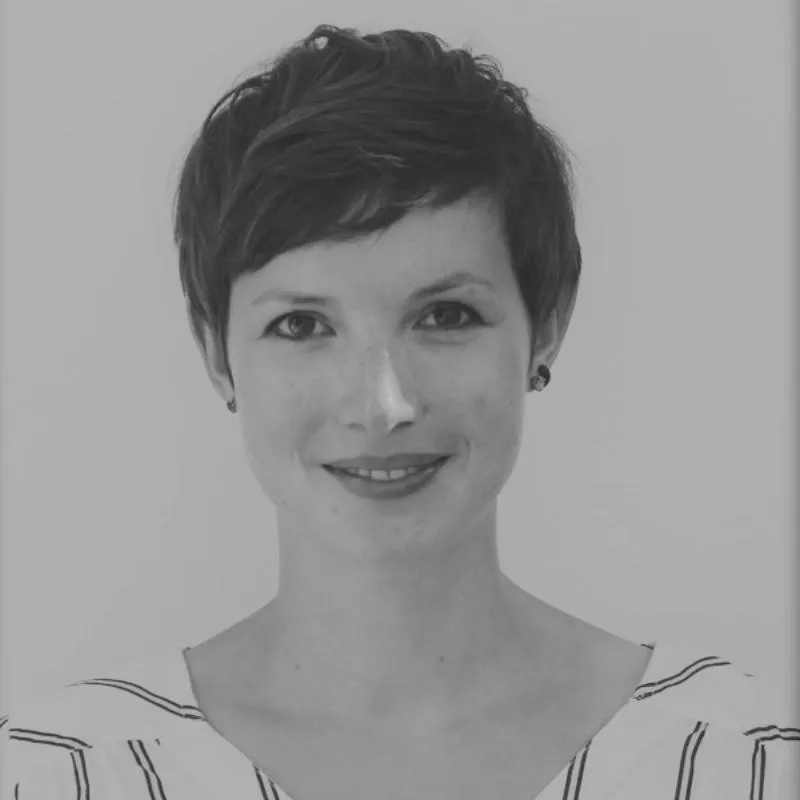
Jo is a podcast host, workshop facilitator and lighting designer. She will co-facilitate the live calls and elevate the cohort experience. Expect interactive sessions that feel enjoyable, less overwhelm, more clarity, and smoother implementation.
What Past Attendees Are Saying

"RISE AI program was very informative and tailored to our specific needs. Kuldeep was very helpful in identifying and testing the different and vast AI systems available in the market making our jobs much more easier.”
Fazaan Puthiya
Senior Lighting Design Associate
Dubai, U.A.E.

“RISE AI Accelerator made AI work for me and not against me. This program helped me speed up my project work. I learnt how to effectively guide ChatGPT for faster results, saving me a lot of time through various steps in the lighting design process.
Petros Kitsantas
Lighting Designer, Studio Lumen
Dubai, U.AE.
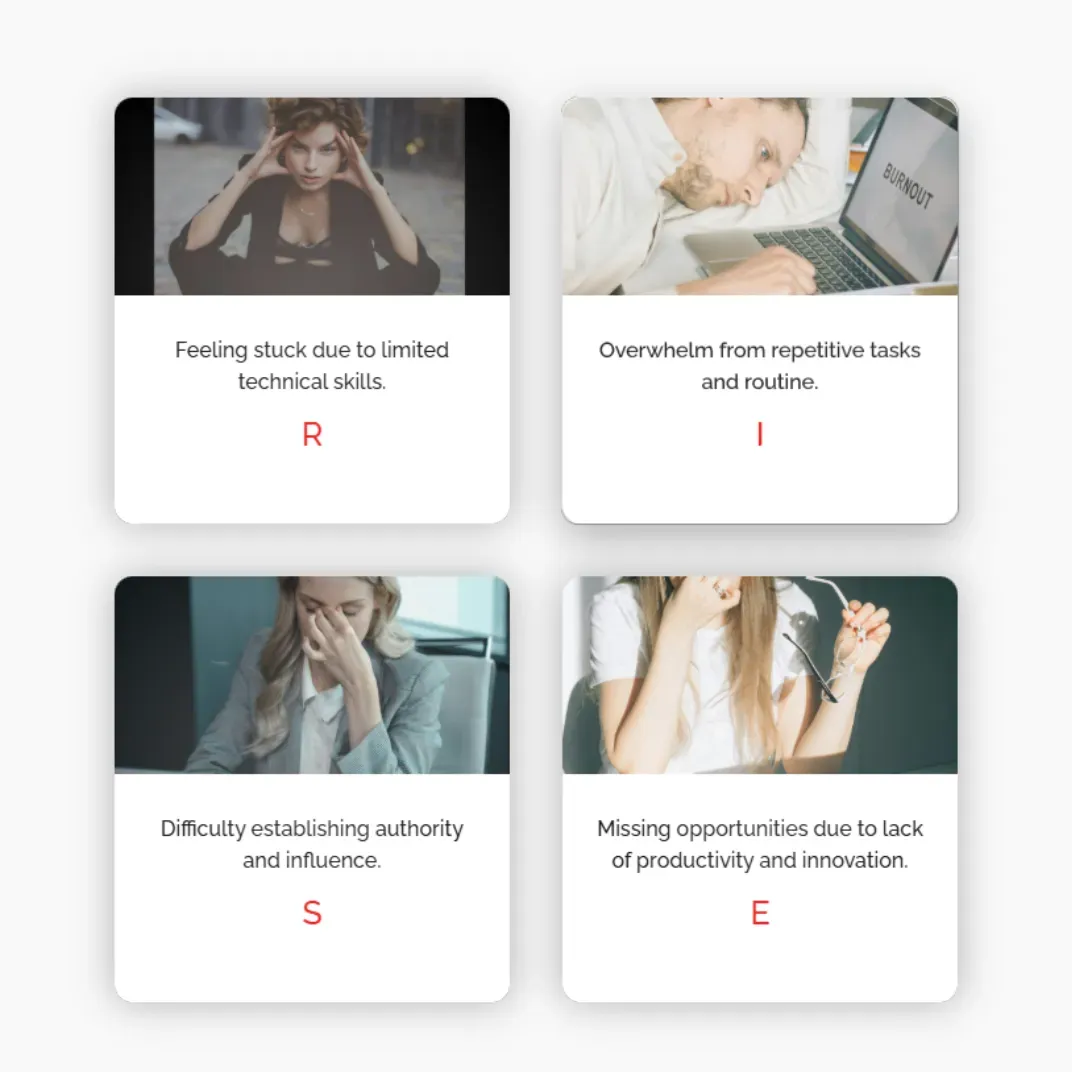
Powered by the R.I.S.E. Framework
This Accelerator is built for lighting designers who want to save time without diluting design intent.
R - Reimagine your lighting design workflows with AI
I - Integrate AI into RIBA design Stages 1–4
S - Show up with clear narratives & faster documentation
E - Elevate with no-code AI systems
You won't just use AI. You'll lead with AI systems.
What Past Attendees Are Saying
What Past Attendees Are Saying

”The RISE AI training was a game-changer.
The supporting materials alone were worth the investment, but the real value came from the hands-on application and cohort learning through expert guidance and peer discussion. An incredibly worthwhile experience.”
Ayça Donaghy
CEO, Lighting Industry Association
London, U.K.

“Before joining the AI Accelerator, I was using AI as a basic tool. This course and Kuldeep’s guidance completely changed my approach. Now, my two hour tasks are done in just two minutes, powered by AI!
Kuldeep was the perfect AI mentor, clearing every doubt. If you’re still hesitant, trust me - AI with Kuldeep is a journey worth taking!”
Neethu Susan George
BDM, Trilux
Dubai, U.AE.
Four Week AI Curriculum for Lighting Designers (tbc)
Week 1
RE-IMAGINE WITH AI
(LAB 1: Build your Prompt Library + first AI visual workflow)
Scheduled for May 2026 (tbc)!
Part 1: AI Foundations:
AI introduction & prompting frameworks for reliable outputs
Lighting Render prompts & Richard Kelly GPT: Render context using 3 layers of light framework
Part 2 (Guest expert): Daniel Green (INTO Lighting)
Mood boards with AI: references, style directions, and consistency
Lighting renders with Krea AI (multi-model workflows) + style exploration
Cohort benefit: priority access to the DUSK AI beta (render tool)
CHALLENGE 1: Automate or speed up one 60-minute task this week using renders or prompt library
Week 2
INTEGRATE AI
(LAB 2: Integrate AI into your workflow by building Custom GPTs)
Scheduled for May 2026 (tbc)!
Part 1: ChatGPT Projects + Connections in Developer mode
Set up ChatGPT Projects for a live client project (site analysis, brief, standards etc)
Access to RISE GPT Creator that help you create custom GPT's
Set up MCP connections to bring AI into your work apps (Drive / Calendar / Email / Docs)
Part 2 (Guest expert): Daniel Green (INTO Lighting)
Create your own visual style (train on your images) for mood boards and renders
Demo: Lighting Standards Agent built in Copilot (how it works + how to apply it)
CHALLENGE 2: Create one client-facing deliverable using your Custom GPT
(example: luminaire schedules, spec draft, tender summary, or standards checklist)
Week 3
SHOW UP
(LAB 3: Automate your workflow (Custom GPT + Zapier Actions + MCP)
Scheduled for May 2026 (tbc)!
Turn Week 1 + Week 2 into a repeatable delivery pipeline
Custom GPT framework: pain point → instructions → outputs → checks
Build your Luminaire Schedule GPT - Extract key luminaire data from PDFs, compare Lighting products
Connect your Luminaire Schedule Assistant to your tools using Zapier
CHALLENGE 3: Automate your workflow (Create with AI Assistant & send it to your project templates)
Week 4
ELEVATE
(LAB 4: Package your system (templates + outputs + automation blueprint)
Scheduled for May 2026 (tbc)!
Gamma AI: brief + documents → client-ready slide deck in minutes (using your templates + images)
MCP: connect your ChatGPT with your daily Apps through Model Context Protocol, no more copy/pasting from AI.
Make.com blueprint: bulk-upload data sheets → luminaire schedule automation
CHALLENGE 4: Build one end-to-end workflow: Brief → Deck + Schedule draft → saved and ready to share
Bonus Stack (Only for AI Accelerator Participants)
Bonus #1
Curated Custom GPT Booklet to 10x your Productivity
£900 Value
Powerful collection of pre-trained Custom GPTs to streamline your work
"RISE GPT Creator" that helps you create custom GPT's
Writing & content creation
Automation Consultant
Business Coach
Get more done in less time,
Bonus #2
Automation Blueprint
£500 Value
Make.com blueprint that allows enterprise grade automation for luminaire schedules
Upload multiple data sheets of specified products & see your schedule build up automatically.
Bonus #3
Private Community Access (Inner Circle)
£500 Value
Exclusive support + feedback from me and fellow AI Accelerator attendees. Ask questions, share wins, and stay accountable even after the Accelerator ends.
Bonus #1
Curated Custom GPT Booklet to 10x your Productivity
£900 Value
Powerful collection of pre-trained GPTs to streamline your work.
"RISE GPT Creator" that helps you create custom GPT's
Writing & content creation
Automation Consultant
Business Coach
Get more done in less time.
Bonus #2
Automation Blueprint
£500 Value
Make.com blueprint that allows enterprise grade automation for luminaire schedules
Upload multiple data sheets of specified products & see your schedule build up automatically.
Bonus #3
Private Community Access (Inner Circle)
£500 Value
Exclusive support + feedback from me and fellow AI Accelerator attendees. Ask questions, share wins, and stay accountable even after the Accelerator ends.

AI Productivity Accelerator for Lighting Designers
(Get on to our priority list for upcoming AI Accelerator🔥)
If you're not blown away by end of week 1, just email us. I'll refund you, No questions asked.
Scheduled for May 2026!
Plus: Get lifetime access to session recordings & ongoing community support to help you implement what you learn.
Frequently Asked Questions
What if I don’t find value, money back guarantee?
If you're not blown away by end of week 1, just email me - I'll refund you. No questions asked.
What if I can't attend Live?
Every session is recorded, timestamped and uploaded the same day. You can replay on-demand and post questions in community for instructor feedback. You will have access given to all resources in community.
Which software or subscriptions are required?
You will just need the paid Chat GPT Plus subscription ($20 / month) for building custom GPT's. You will see ROI on first day itself.
We will use free or trial version of all other AI tools including Zapier. Some optional tools may require a paid plan depending on usage (e.g., Krea at $9/month for creating renders & mood boards). Check current pricing before subscribing.
Do I need tech / coding skills
Nope. Everything is no-code. If you can use Google Docs, you're good. However you will need paid Chat GPT Plus subscription ($20/month) for building custom GPT's.
How much time should I set aside each week?
Plan on 2 hours live + 2 hours implementation. You will start reclaiming that time once you start integrating week 1 AI hacks in your workflow.
I am already using ChatGPT, will this still help me?
Definitely. Week 1 moves you beyond single prompts to a personal AI stack; Weeks 2-4 layer custom GPTs, automated agents, and niche workflows that compound your time savings and business / creative impact.
Will community stay open after this program?
Yes, RISE 4-Week AI Accelerator community will be supported & will remain active for at least 30 days post-cohort, and you’ll keep lifetime access to all recordings and resources.
Start building your AI powered life & workflows. Let's GO.
