
RISE AI Accelerator for Lighting Designers
Build 3 AI Agents + Create Your AI Transformation Roadmap in just 4 Weeks.
A 4-week, live, hands-on accelerator for lighting designers who want to build practical AI agents for project research, luminaire schedules, and lighting renders, then create a personalised AI Transformation Roadmap.
Includes sneak peek into our RISE OS for automating Lighting Workflows.
Thu 9th July - 30th July, 4pm - 6pm UK (BST)
Online + Recordings | 2 hrs/week
"Are you a Lighting Designer wondering:
How do I use AI beyond basic prompts?
How do I speed up manual & repetitive work (schedules, renders & documentation) with AI
How do I start building AI systems that support my design process?
AI is no longer just a tool for writing faster emails. Used properly, it can become a practical delivery system for Lighting Design workflows.
This Accelerator shows you how.

RISE 4-Week AI Accelerator for Lighting Designers
Build 3 AI Agents + Create Your AI Transformation Roadmap in just 4 Weeks.
A 4-week, live, hands-on accelerator for lighting designers who want to build practical AI agents for project research, luminaire schedules, and lighting renders, then create a personalised AI Transformation Roadmap.
Includes early beta access to RISE OS for automating Lighting Workflows.
Thu 9th July - 30th July, 4pm BST
Online + Recordings | 2 hrs/week
Are you a Lighting Designer wondering:
How do I use AI beyond basic prompts?
How do I speed up manual & repetitive work (schedules, renders & documents) with AI.
How do I start building AI systems that support my design process?
AI is no longer just a tool for writing faster emails. Used properly, it can become a practical delivery system for Lighting Design workflows.
This Accelerator shows you how.
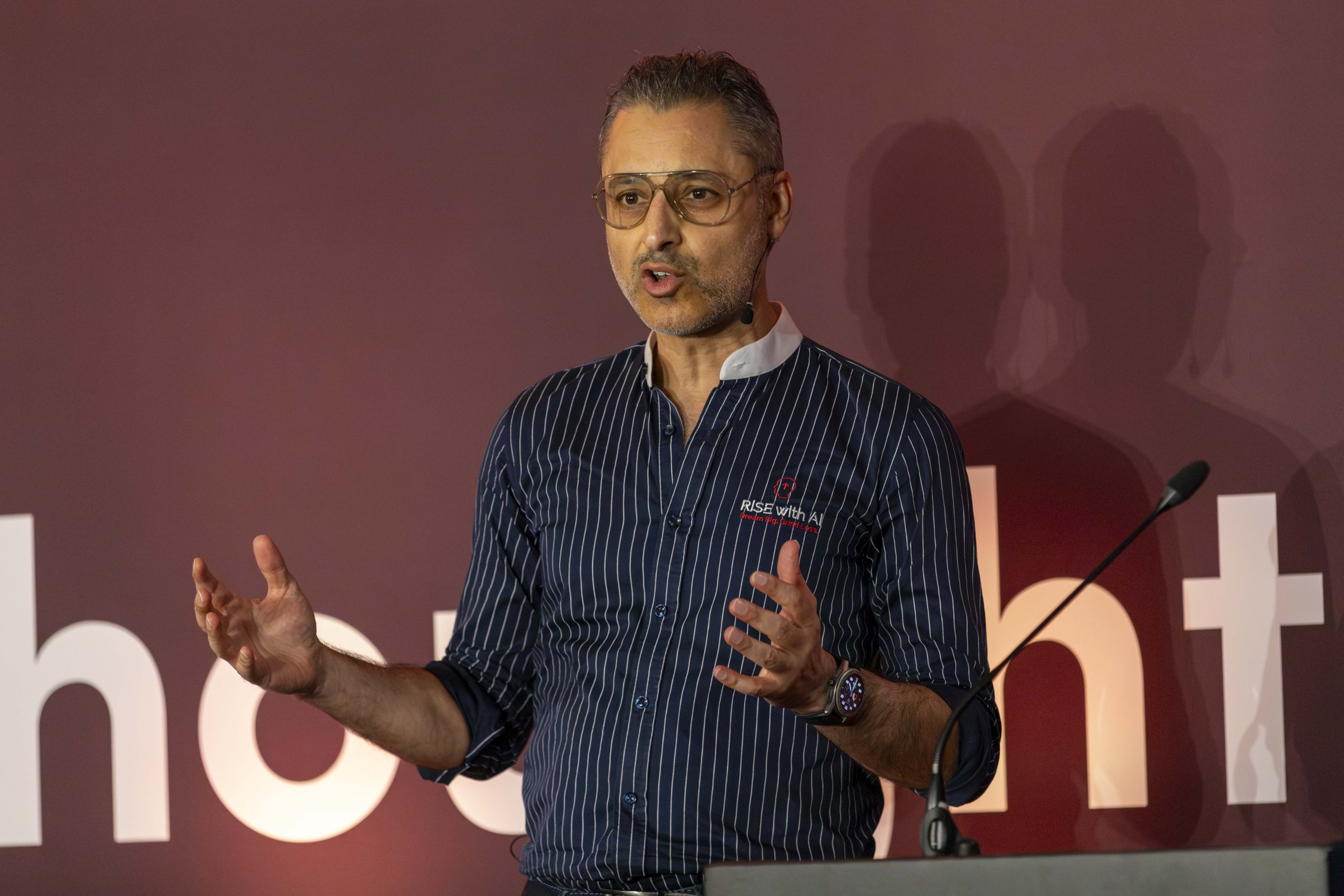

“That Was Me Not Long Ago…”
I used to lose hours every week to context switching and repetitive work.
Then I discovered no-code AI, and everything changed. The busywork got lighter, and my focus shifted to higher-value work.
I built this AI Accelerator for Lighting Designers to help you make the same shift: from random AI prompts to practical AI agents and repeatable workflows in a few weeks, not months.
Kuldeep Vali
Founder, RISE with AI
AI Coach I Trainer I Consultant
Exclusive Preview: RISE OS for automating Lighting Workflows

RISE OS is our alpha-stage platform being built for lighting workflow automation.
In this Accelerator, you’ll receive sneak peek into our RISE OS for Lighting Workflows where repeatable delivery tasks can move from manual effort to guided AI-assisted workflows.
Cohort Facilitator: Johanna Stückler (Jo)

Jo is a podcast host, workshop facilitator and lighting designer. She will co-facilitate the live calls and elevate the cohort experience. Expect interactive sessions that feel enjoyable, less overwhelm, more clarity, and smoother learning journey.
What Past Attendees Are Saying
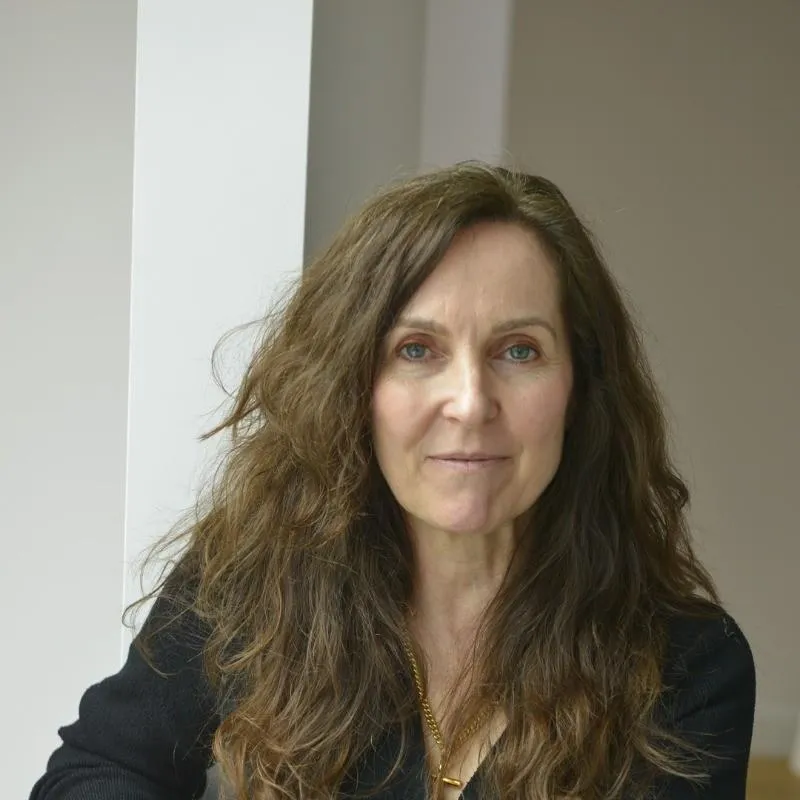
"Kuldeep's AI Accelerator has opened my eyes to the possibilities of AI in Lighting Design, exciting times.”
Victoria Jerrma
Founder, Victoria Jerram Lighting Design
United Kingdom

“RISE AI Accelerator made AI work for me and not against me. This program helped me speed up my project work. I learnt how to effectively guide ChatGPT for faster results, saving me a lot of time through various steps in the lighting design process.
Petros Kitsantas
Lighting Designer, Studio Lumen
Dubai, U.AE.
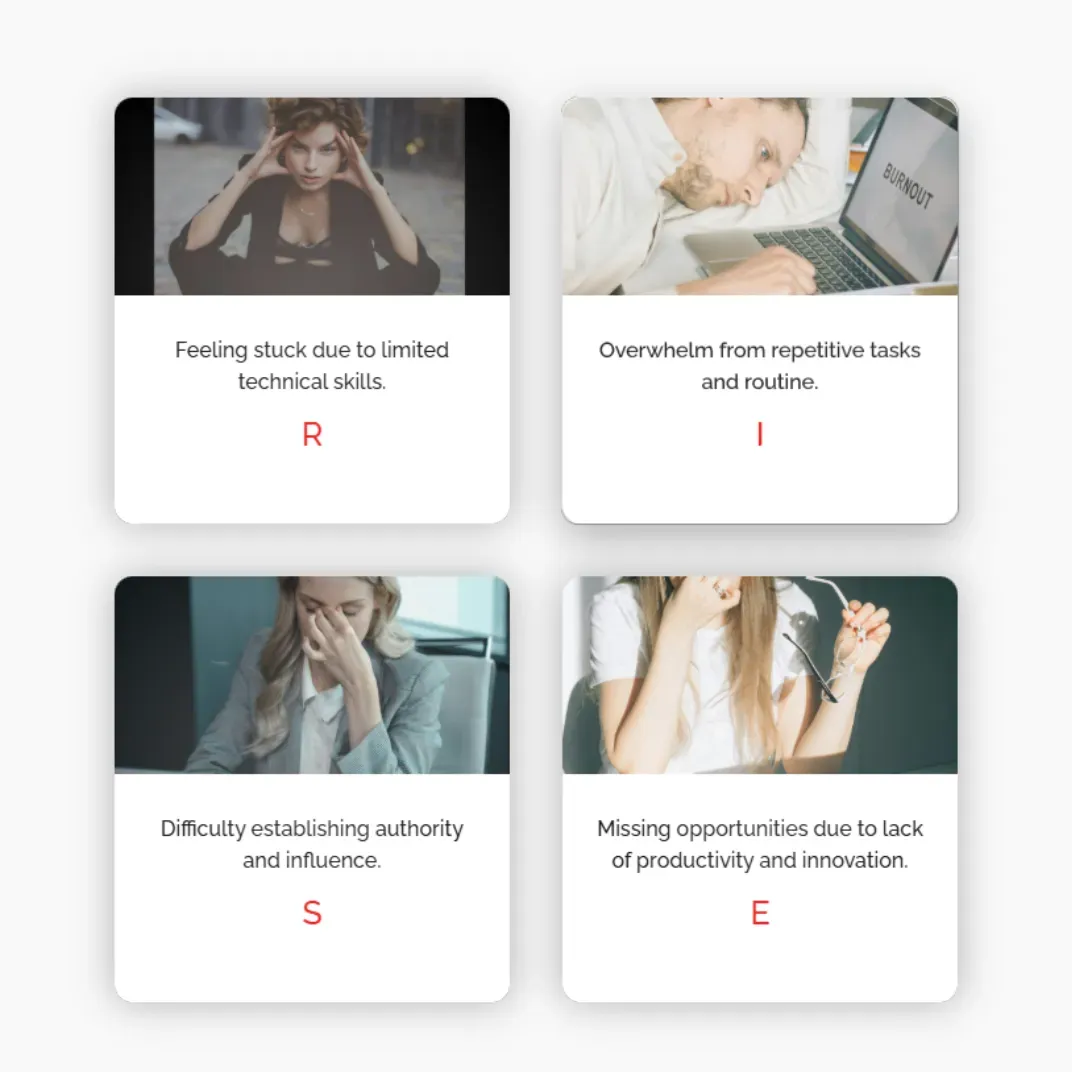
Powered by the R.I.S.E. Framework
This Accelerator is built for lighting designers who want to save time without diluting your design intent.
R - Reimagine your lighting design workflows with AI
I - Integrate AI into your workflows
S - Show up with clear narratives & faster documentation
E - Elevate with no-code AI systems
You won't just use AI.
You'll lead with AI systems.
What Past Attendees Are Saying
What Past Attendees Are Saying

”The RISE AI training was a game-changer.
The supporting materials alone were worth the investment, but the real value came from the hands-on application and cohort learning through expert guidance and peer discussion. An incredibly worthwhile experience.”
Ayça Donaghy
CEO, Lighting Industry Association
London, U.K.

“Before joining the AI Accelerator, I was using AI as a basic tool. This course and Kuldeep’s guidance completely changed my approach. Now, my two hour tasks are done in just two minutes, powered by AI!
Kuldeep was the perfect AI mentor, clearing every doubt. If you’re still hesitant, trust me - AI with Kuldeep is a journey worth taking!”
Neethu Susan George
BDM, Trilux
Dubai, U.AE.
Four Week AI Curriculum for Lighting Designers
Week 1 (Thu 9th July 26, 4:00 pm BST)
RE-IMAGINE WITH AI
(LAB 1: Build your Lighting Project Research Agent)
Think Better with AI: Foundations, Prompting and Agent Thinking
Learn how AI works, how to prompt for reliable outputs, and how to think in agents instead of one-off prompts.
You’ll build a Lighting Project Research Agent that turns briefs, notes, PDFs, markups, and project context into structured project intelligence.
You’ll cover:
AI foundations and LLMs explained simply
Prompting with Lighting prompt library & Agent instruction frameworks
Agent thinking: context / knowledge → trigger → output → review → automate
Project research from briefs, notes, PDFs, and markups
You’ll build: Lighting Project Research Agent
Output: Project summary, key questions, research directions, render context, and next actions.
Week 2 (Thu 16th July 26, 4:00 pm BST)
INTEGRATE AI
(LAB 2: Live GPT / Agent Build for Luminaire Schedules)
Build Your Luminaire Schedule Automation Agent
Move from learning (prompting) to building (agents) & scaling up (automations).
Build advanced AI agent that automates Luminaire Schedules.
You’ll cover:
ChatGPT Projects vs Custom GPTs
How to structure a lighting workflow agent
Inputs, instructions, outputs, and quality checks
Extracting luminaire data from PDFs and datasheets
Creating schedule-ready outputs with human review & exporting it to excel
You’ll build: Luminaire Schedule Automation Agent
Output: Structured schedule rows created in excel template directly
Week 3 (Thu 23rd July 26, 4:00 pm BST)
SHOW UP
(LAB 3: Live Render Agent & workflow Build)
Build Your Lighting Render Agent + Node-Based Render workflow
Create a Lighting Render Agent in Chat GPT & more controlled node-based lighting render workflow in wireflow.
You’ll cover:
Build Lighting Render Agent that creates renders from sketches, day time images & drawings
Create Node-based render, mood board & video workflow in Wireflow (free trial).
Review steps to keep outputs aligned with design intent
You’ll build: Lighting Render Agent + node-based controlled workflow for renders
Output: Lighting Renders based on lighting layer prompts, mood boards & walk-through videos.
Week 4 (Thu 30th July 26, 4:00 pm BST)
ELEVATE
(LAB 4: Create Your AI Transformation Roadmap)
RISE OS Sneak Peek + Your AI Transformation Roadmap
Sneak peek into our RISE OS for automating Lighting Workflows and create a personalised AI Transformation Roadmap showing what to automate next and how to implement AI over the next 90 days.
You’ll cover:
RISE OS sneak peek for lighting workflows
Mapping workflows such as specs, schedules, renders, tenders, reports, and material lists
Where Custom GPTs / Agents, Copilot, Wireflow, RISE OS, Zapier MCP, or enterprise hosting fit
Your 90-day AI implementation plan
You’ll create: AI Transformation Roadmap
By the end of 4 weeks, you’ll have built 3 practical AI agents and created a personalised AI Transformation Roadmap.
Bonus Stack (Only for AI Accelerator Participants)
Bonus #1
RISE GPT/Agent Creator
£900 Value
"RISE GPT Creator" helps you create your next GPT/ agent.
Creates prompts & agent instructions based on your context & our proven RICE-Q framework.
Bonus #2
Lighting Prompt Library
£600 Value
A curated prompt library for lighting renders, luminaire review & comparison, lighting standards, briefs and documentation.
Bonus #3
Private Community Access (Inner Circle)
£500 Value
Exclusive support + feedback from Kuldeep, Jo and cohort. Ask questions, share wins, and stay accountable even after the Accelerator ends.
Bonus #1
RISE GPT/Agent Creator
£900 Value
"RISE GPT Creator" helps you create your next GPT/ agent.
Creates prompts & agent instructions based on your context & our proven RICE-Q framework.
Bonus #2
Lighting Prompt Library
£600 Value
A curated prompt library for lighting renders, luminaire review & comparison, lighting standards, briefs and documentation.
Bonus #3
Private Community Access (Inner Circle)
£500 Value
Exclusive support + feedback from Kuldeep, Jo and cohort. Ask questions, share wins, and stay accountable even after the Accelerator ends.

RISE AI Accelerator for Lighting Designers
£245 reduced to Early Bird £195 until Sun 28th Midnight!
If you're not blown away by end of week 1, just email us. I'll refund you, No questions asked.
Week 1 (Thu 9th July, 4:00 pm BST)
Week 2 (Thu 16th July, 4:00 pm BST)
Week 3 (Thu 23rd July, 4:00 pm BST)
Week 4 (Thu 30th July, 4:00 pm BST)
Plus: Get lifetime access to recordings & ongoing community support to help you implement what you learn.
Proud to partner with Silhouette Awards to support emerging lighting design talent.
Frequently Asked Questions
What if I don’t find value, money back guarantee?
If you're not blown away by end of week 1, just email me - I'll refund you. No questions asked.
What if I can't attend Live?
Every session is recorded, timestamped and uploaded the same day. You can replay on-demand and post questions in community for instructor feedback. You will have access given to all resources in community.
Which software or subscriptions are required?
You will just need the paid Chat GPT Plus subscription ($20 / month) for building custom GPT's. You will see ROI on first day itself. We will use free or trial version of all other AI tools including Wireflow & Zapier.
Do I need tech / coding skills
Nope. Everything is no-code. If you can use Google Docs, you're good. However you will need paid Chat GPT Plus subscription ($20/month) for building custom GPT's.
How much time should I set aside each week?
Plan on 2 hours live + 2 hours implementation. You will start reclaiming that time once you start integrating week 1 AI hacks in your workflow.
I am already using ChatGPT, will this still help me?
Definitely. Week 1 moves you beyond single prompts to a personal AI stack; Weeks 2-4 layer custom GPTs, automated agents, and niche workflows that compound your time savings and business / creative impact.
Will community stay open after this program?
Yes, RISE 4-Week AI Accelerator community will be supported & will remain active for at least 30 days post-cohort, and you’ll keep lifetime access to all recordings and resources.
Start building your AI powered life & workflows. Let's GO.
